Develop
Capture requirements for a new machine or CAM environment and agree NC format, cycles and auxiliary functions.
Post-processors for Ency, SprutCAM and VirtualCAM. Aligned with your machine, control and working practices.
Capture requirements for a new machine or CAM environment and agree NC format, cycles and auxiliary functions.
Analyse current output, investigate recurring manual corrections and implement agreed extensions.
Assess 5-axis, turn-mill and multi-channel configurations using kinematics, options and representative test cases.
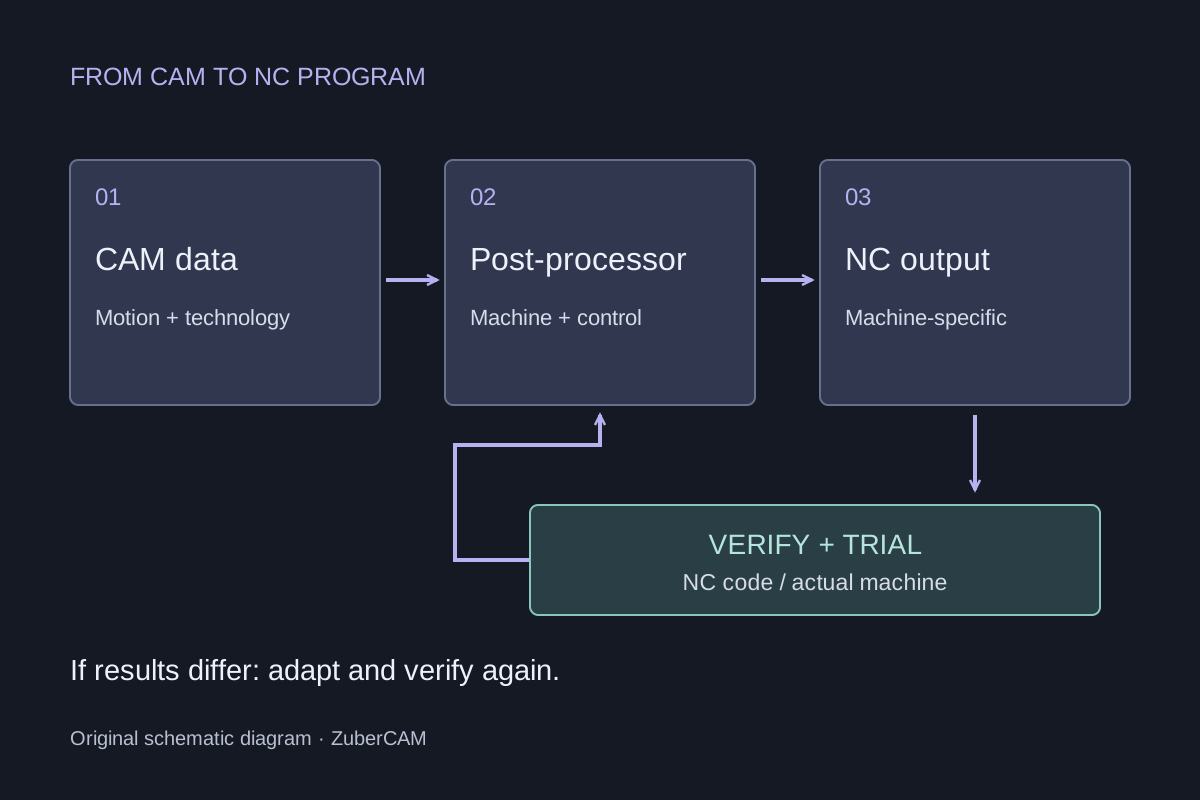
Prepare geometry, tools and machining operations.
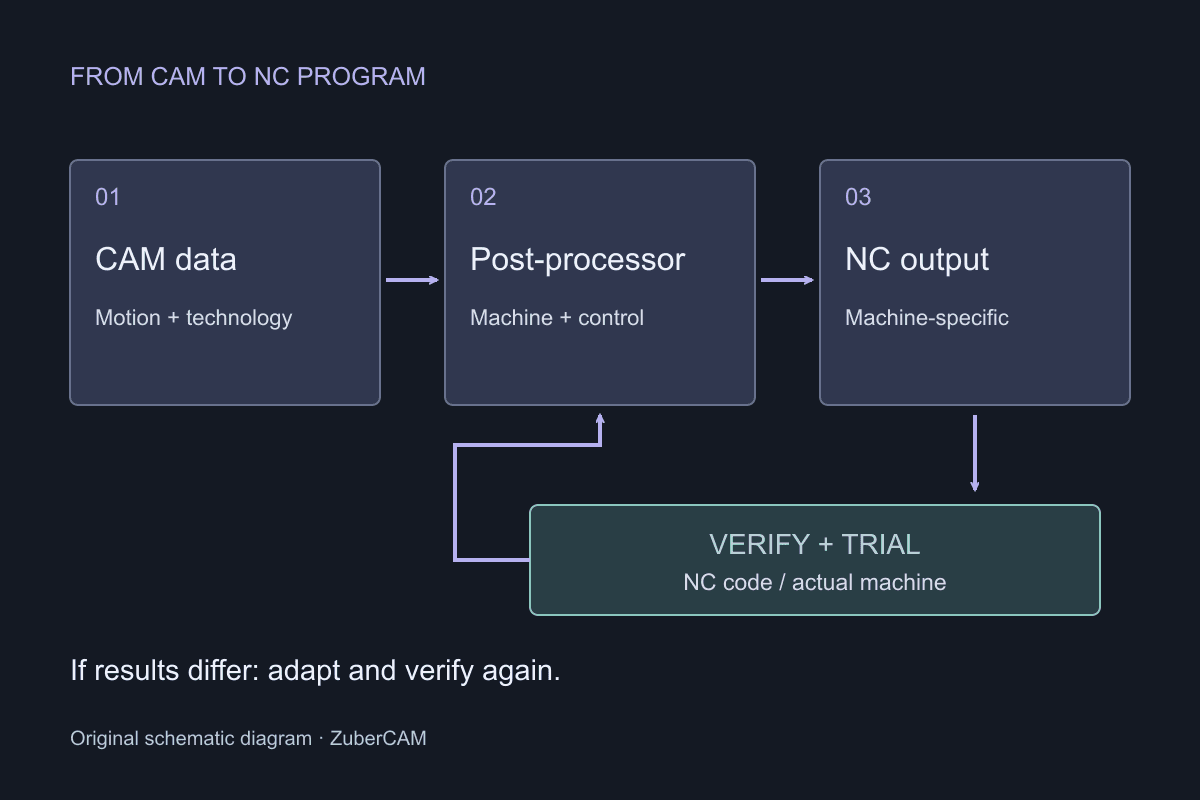
Convert CAM data into the required NC output.
Create the program for the machine and control.
Review the output and conduct controlled machine trials.
CAD/CAM for CNC machines, including milling, turning and mill-turn machining. The machine model and machining sequence provide the basis for suitable NC output.
Ency was introduced in September 2024 as a new CAD/CAM brand by ENCY Software in Cyprus.
ZuberCAM develops new post-processors and adapts existing ones to your control, machine kinematics and required auxiliary functions.
Ency: manufacturer informationCAD/CAM for CNC programming, including milling, turning and mill-turn machining. SprutCAM provides its own tools for developing and adapting post-processors.
SprutCAM’s development roots go back to the 1980s. Solutions for offline industrial robot programming were added later.
We create and revise post-processors for your SprutCAM installation. Together we review the software version, existing post-processor and required NC output.
SprutCAM: manufacturer informationMyXPert VirtualCAM from MySolutions is a CAD/CAM system for CNC programming, including milling and turning, using a virtual machine model to prepare machining operations.
By 2012, MySolutions was presenting MyXPert VirtualCAM as a CAM solution centred on programming with a virtual machine model.
We also develop post-processors for VirtualCAM and adapt existing solutions. The work is based on your installed version, actual machine and CNC control requirements.
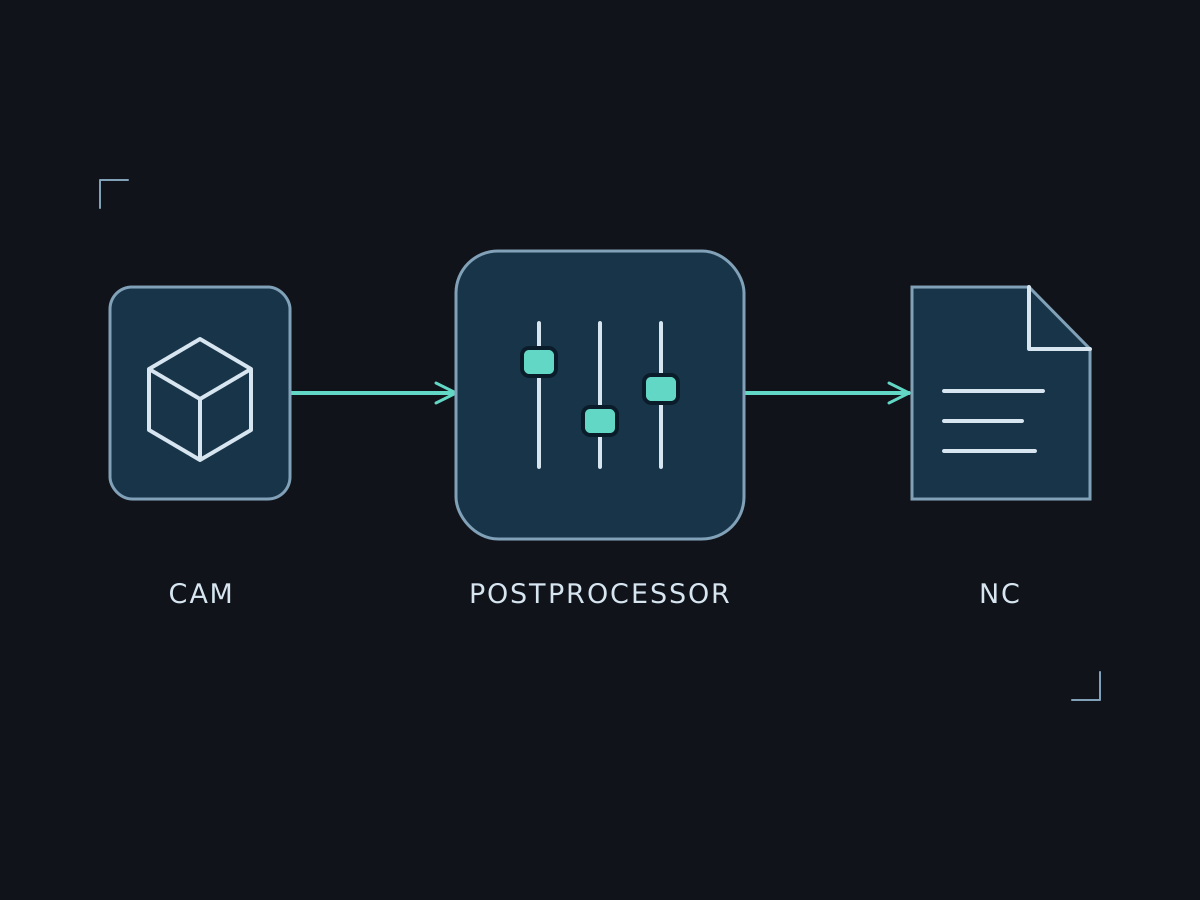
MySolutions: VirtualCAM brochure (PDF)A post-processor converts motion and technology data supplied by CAM into machine-specific NC files. Depending on the configuration, this also includes tool changes, cycles and auxiliary functions. The combination of CAM version, machine, control and enabled options determines the requirements.
Agree program structure, tool calls, work offsets, feed modes, coolant and spindle functions using control documentation and proven sample programs.
For multi-axis machining we review items such as coordinate transformations, retracts and axis limits. Which calculations are handled by CAM, the post-processor or the control depends on the chosen method.
Define suitable test cases for each agreed function. Existing examples help compare output changes and identify effects on other machining operations.
The key details are enough for initial contact. We will discuss which documents, files or test parts are needed and how you can provide them.
Discuss your taskFrequently asked questions
A similar model designation is not sufficient. We compare the control, options, kinematics, tool changes and auxiliary functions. An existing post-processor is a starting point for assessment, not automatic approval.
We agree the post-processor version, supported configuration, test cases and documentation. Known limitations and responsibility for installation, trials and later changes are also defined.
We assess your actual machine, control, software version and required functions. A manufacturer name alone is not enough for a reliable assessment.
Existing projects and documentation are a useful starting point. Together we determine what can be reused and which additional information is needed.
Effort depends on functions, available data and agreed tests. After technical scoping, you receive a quotation describing scope and proposed process.
We compare representative test cases against your requirements. NC output requires technical review and controlled trials during commissioning. Simulation alone does not replace these steps.


Tell us about your setup and goal. Together we will agree the right next step.